
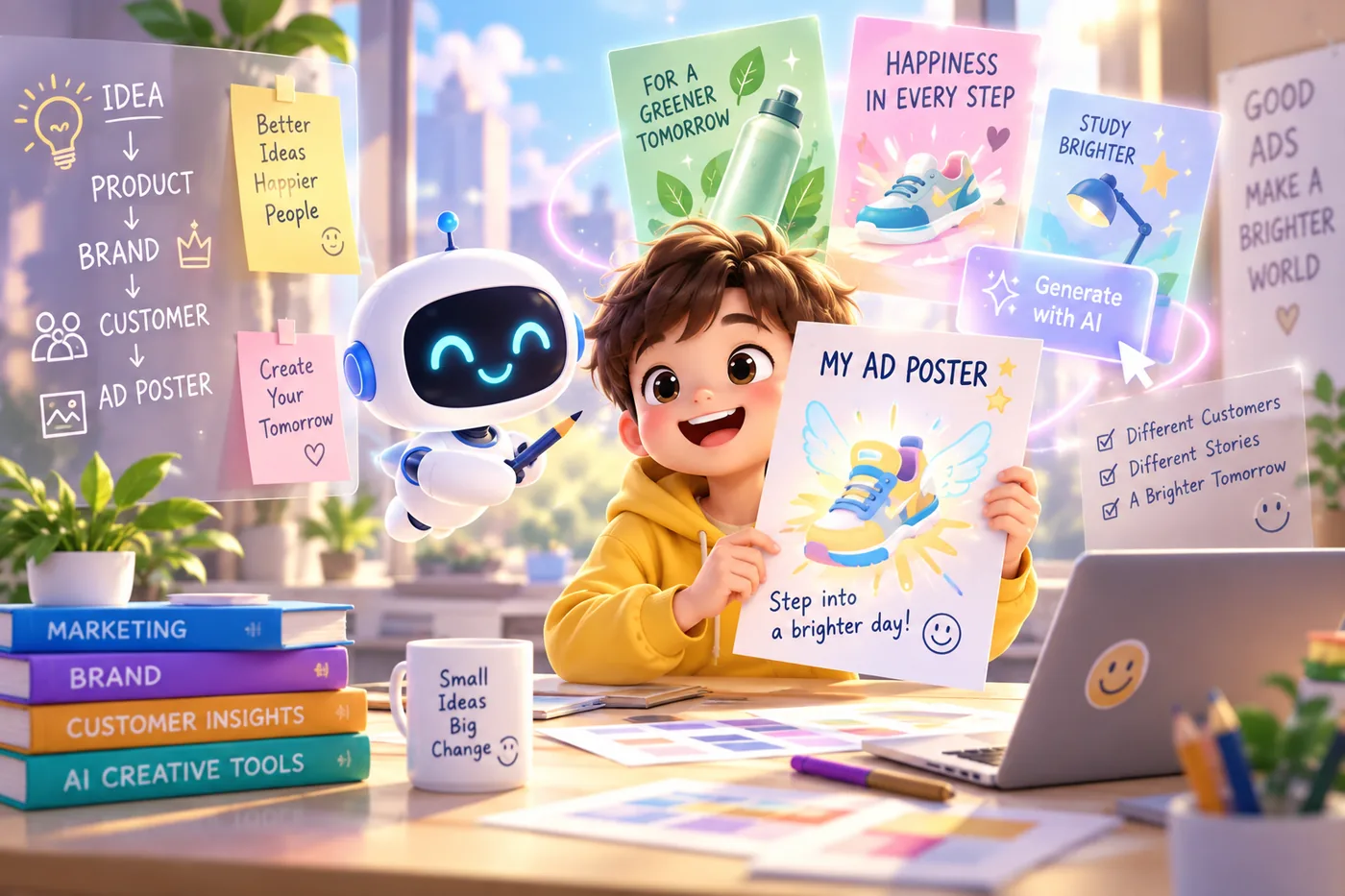
AI Ad Studio
An idea becomes a product, and the product becomes an ad.
A four-session, hands-on AI program in which students become junior ad planners, develop a new product, and complete a brand and customer-tailored ads.
Lower elementary students · 4 sessions · 20–25 minutes per session
Find a problem, plan a product, finish an ad for each customer
Students become planners of a new product: they find a problem, choose the product's features themselves, look at the situations and needs of the customers who will use it, and plan the product name, brand logo, ad copy and ad screen.
Finding a problem and planning the product
Draw a secret new product, look at the situation of the person who needs it, choose the features it needs and develop the idea into a better product.
Building the brand
Look again at the finished product's features and decide its name. Make a brand logo and plan what the ad should emphasize.
Finishing customer-tailored ads
Meet three different customers, check each one's situation and needs, choose the right ad copy for them and complete an ad board for each customer.
AI does not answer for the student; it connects their thinking more widely.
The program is built around students observing, thinking and choosing first. AI offers explanations, questions, hints and ideas at the right moment so students can make their own judgment concrete and extend it to the next step.
Planning the product
- Exploring the problem
- Comparing and choosing features
- Testing and improving
Making the ad
- Product name and brand logo
- Three customers' situations
- An ad board per customer
Students take AI's suggestions into account, but the choices and decisions are their own.
The four sessions
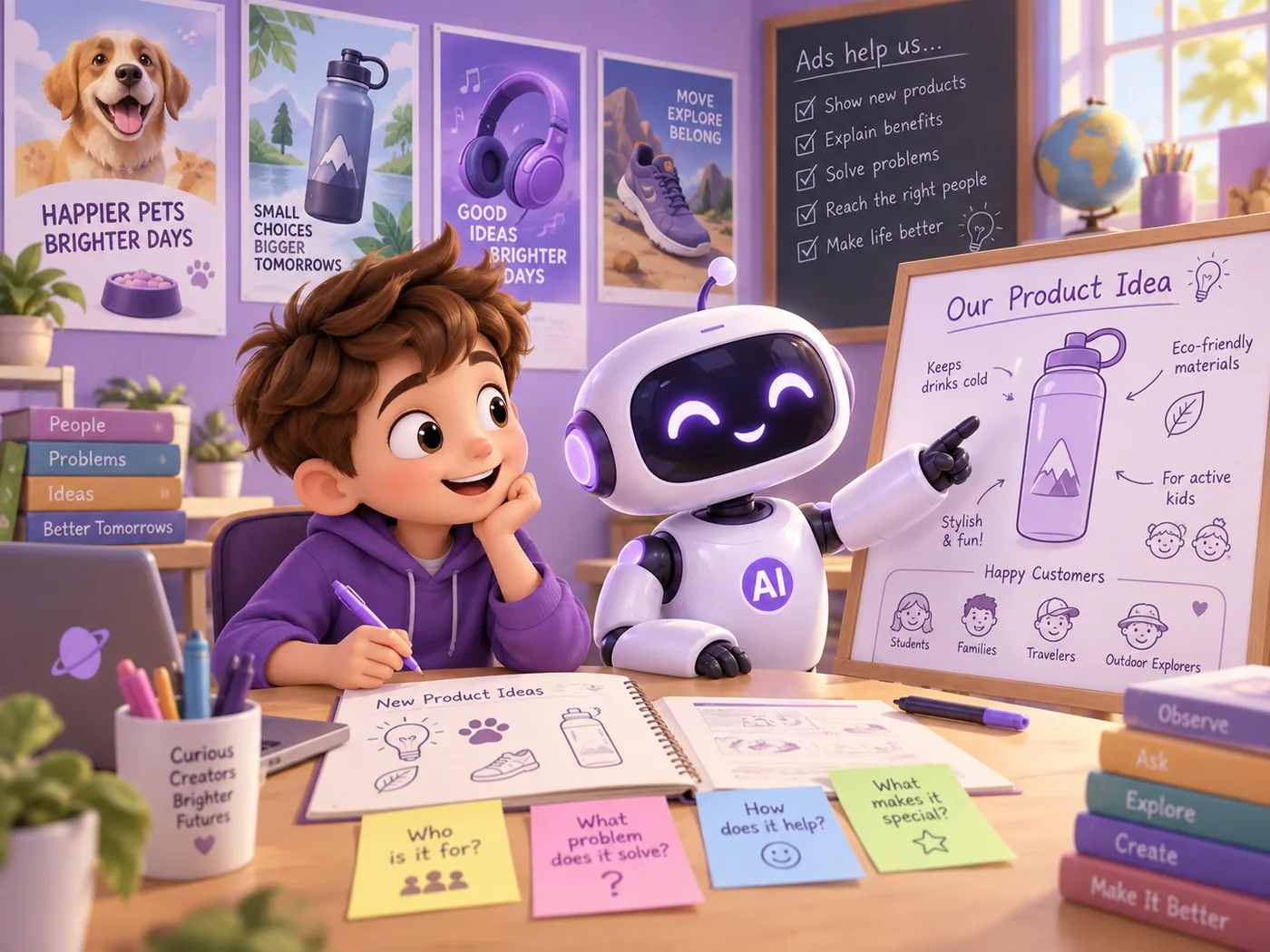
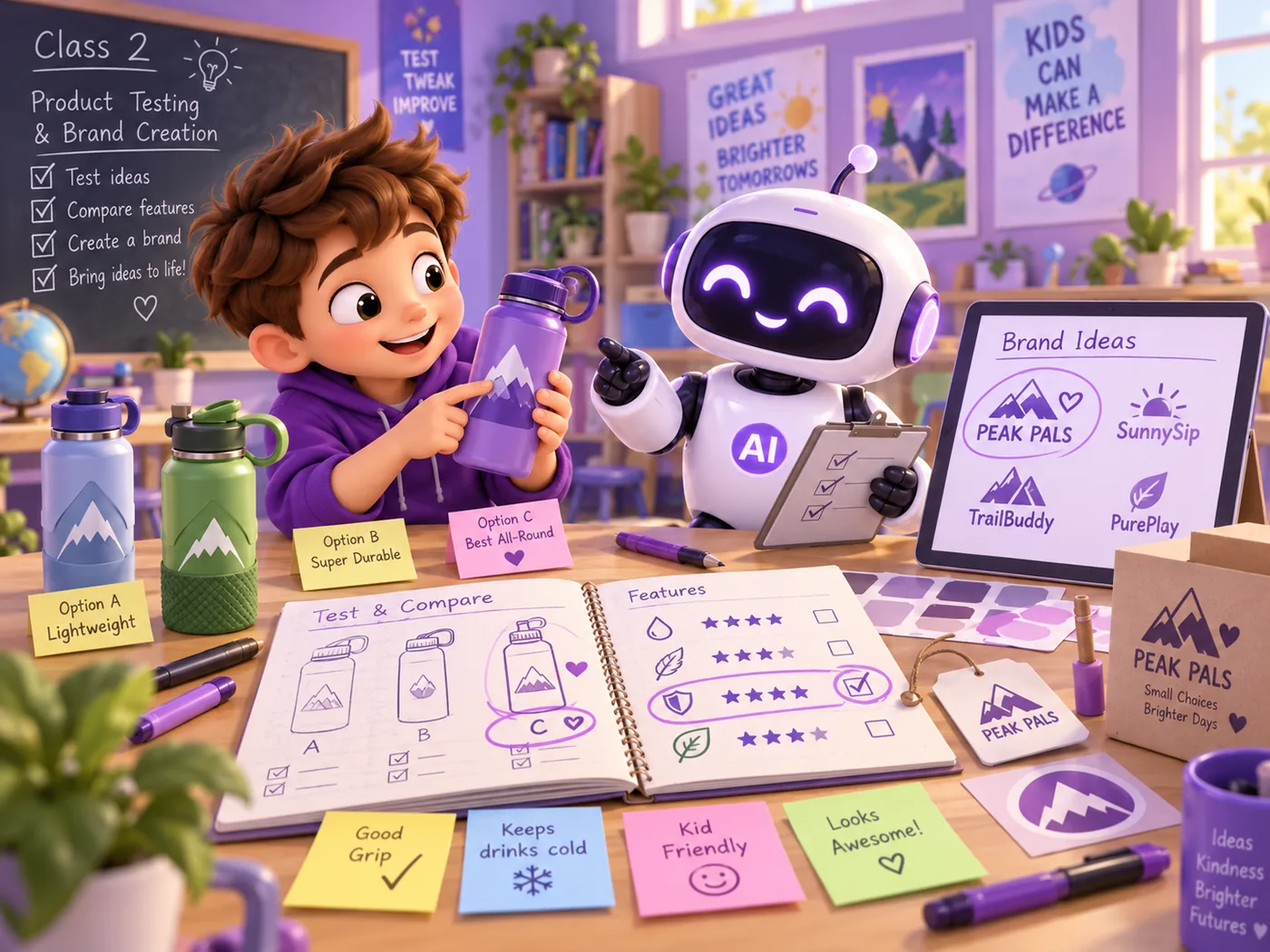
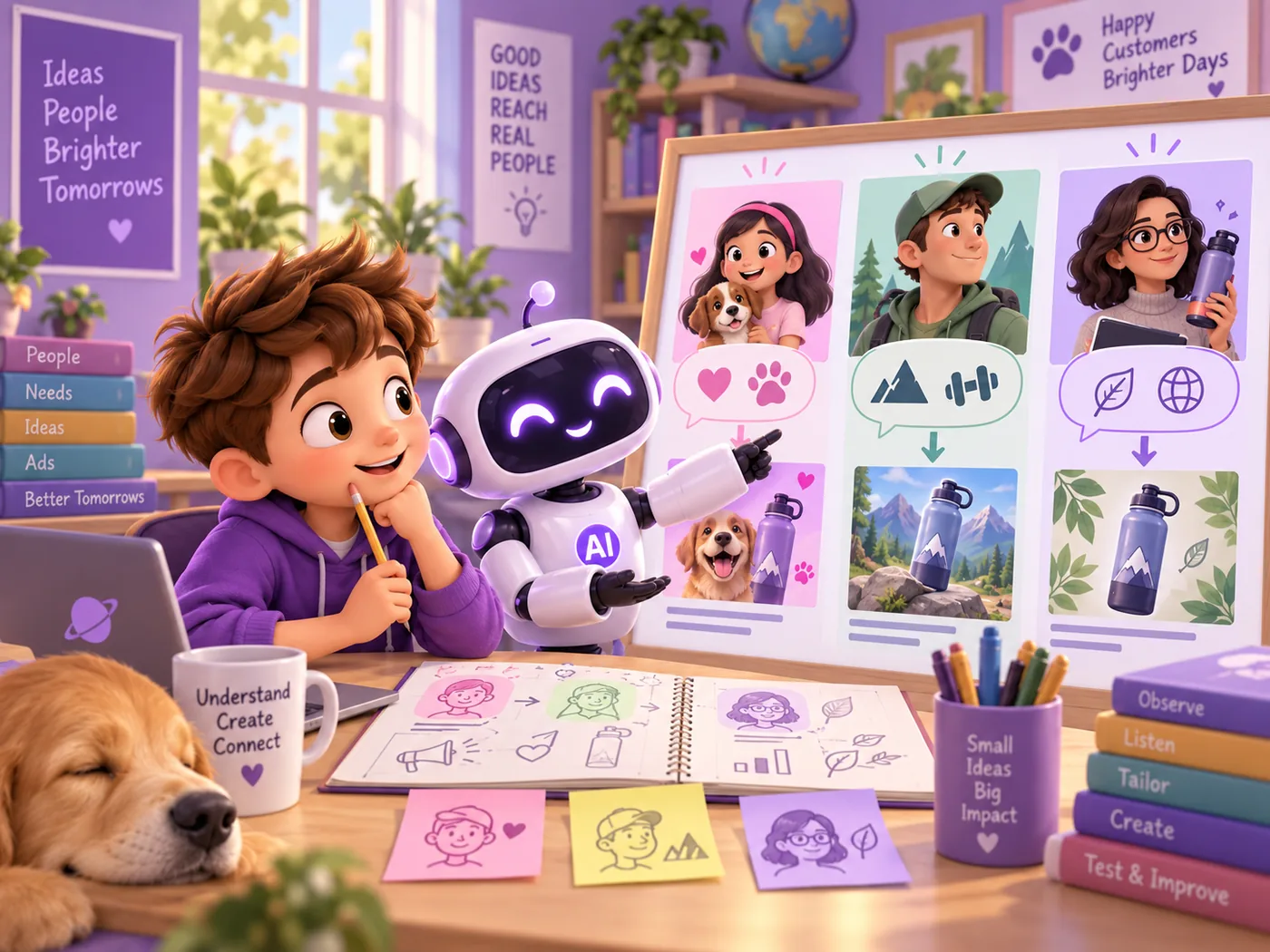
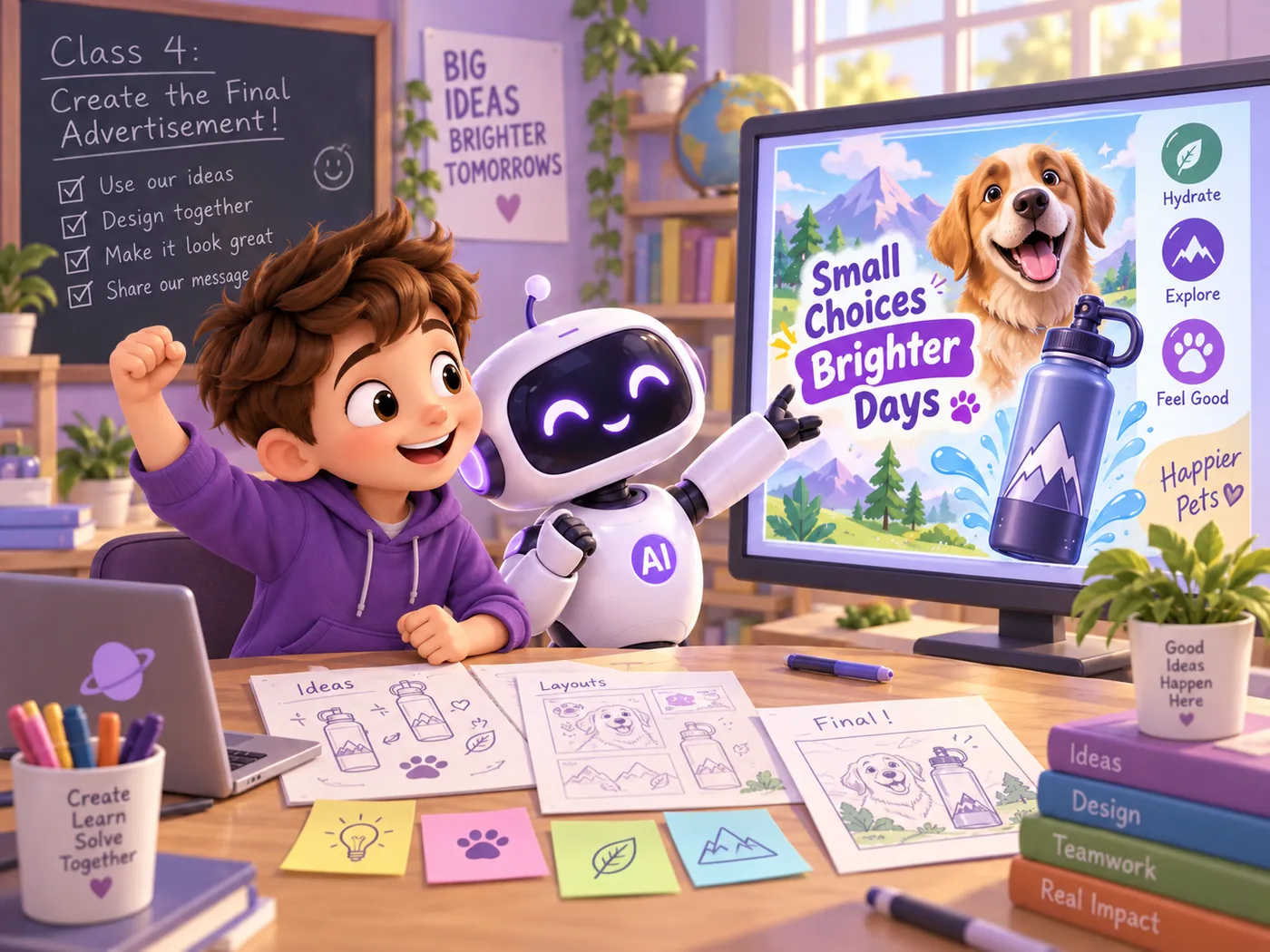
See the real screens
The screens students see during the lessons, and examples of finished work. The results are examples made for demonstration; the screens follow the site language.
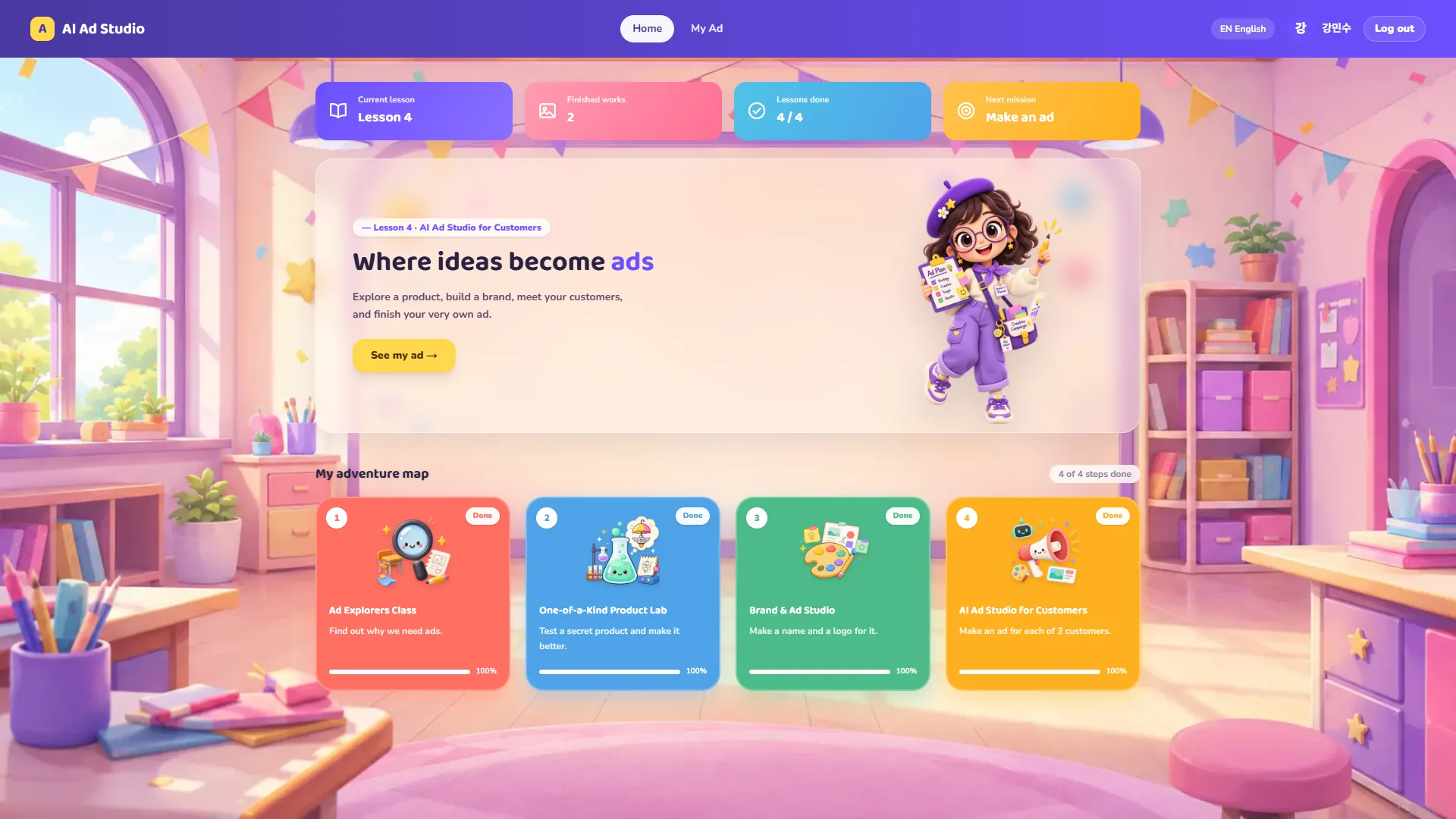
Lesson screen
Session 1 · Is this scene an ad? Session 2 · Product test Session 3 · Finding who needs the product Session 4 · Customer interview by chat
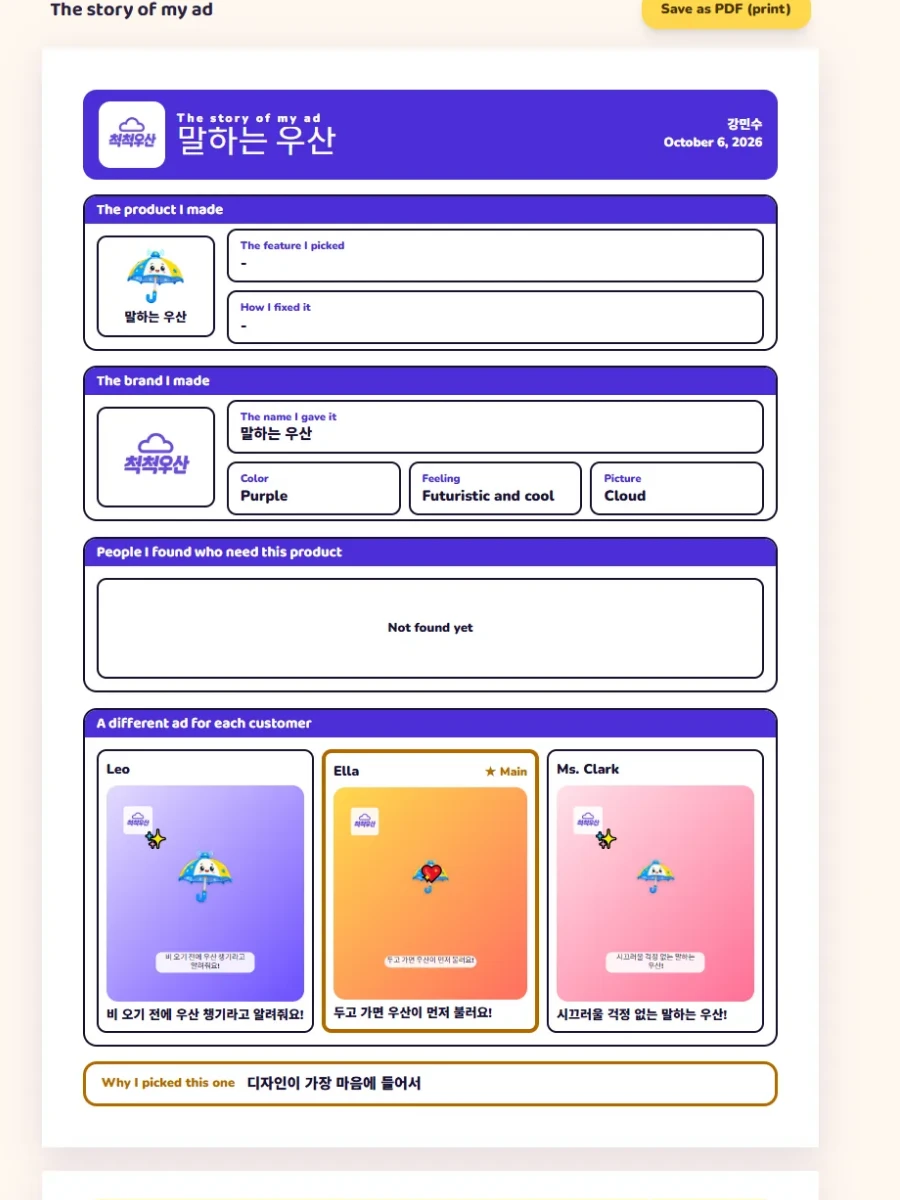
Example result
Finished ad summary sheet (save or share as PDF) Three customer ads and the main ad Product name and brand logo
Look at everything, choose carefully, then move on
See every optionstudents look through the feature and name candidates before choosing.
- 01
One thing per screen
several questions are never shown at once.
- 02
Try again after a wrong choice
students see why it didn't fit and choose again.
- 03
Little typing
activities are mostly choice-based, with short input only where needed.
One idea becomes a product and ends as an ad
Each choice the student makes carries into the next activity, and one product grows into a brand and an ad. The sessions connect like one project, so students carry their own choices and results forward.
What students take away
Students combine the product, brand, copy and screen into an ad of their own.
Running the class, and AI
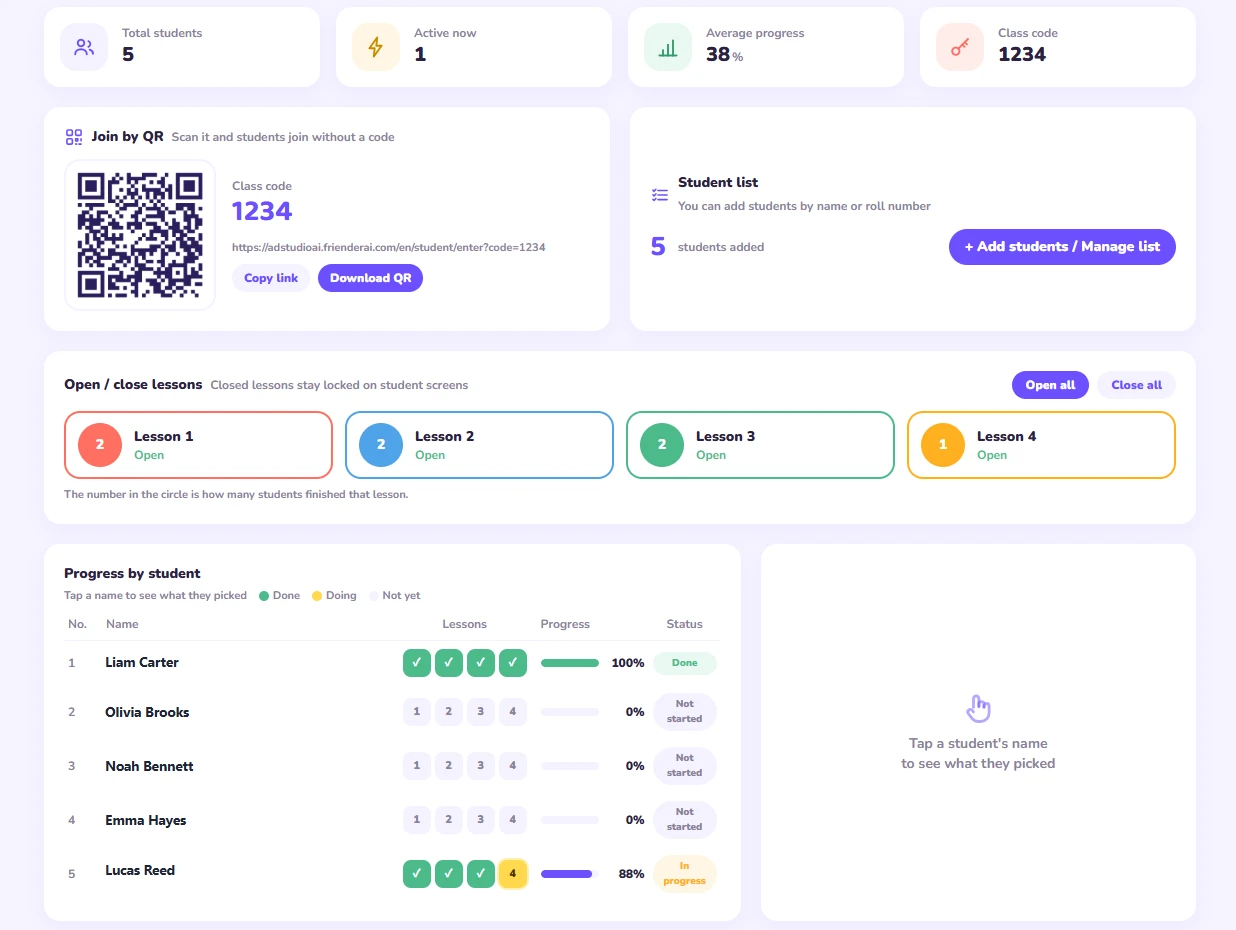
Teachers see the whole class flow at a glance
- Create a class
- Share the join code
- Open today's session
- Follow student progress
- Check student results
- Each student's current step
- Whether each session is complete
- The product chosen and the results
Students decide, and AI helps finish
- Which problem to solve
- Which features are needed
- What name and brand feel to create
- What to emphasize for each customer
- How to combine the copy and the screen
- Explanations, questions and hints at the right moment
- A brand logo in the direction the student planned
- Combining the student's copy and screen into the ad
AI is used only for the generation features that need it, not to build every screen live.
The student's own words stay in the ad
- AI visual
- Student's name, copy and logo
- Combined on screen
- Exact wording kept
Product names and ad copy are never generated inside the AI image.
Students join in a few simple steps
01Join with the 4-digit code or QR code
02Take part in the session
AI is used safely and only where needed
- Student personal information is never sent with AI requests.
- Text that students type is used for AI features only after a safety check.
- Student devices are never connected to the AI directly; the service handles every request in between.
- AI never decides the ad direction for the student.
Program details
- For
- Lower elementary students
- Format
- 4 sessions
- Session length
- 20–25 minutes per session
- Devices
- PC / tablet
- Environment
- Runs in a web browser
- Student access
- 4-digit class code or QR code
- Interaction
- Click / drag / connect / short input
- Languages
- Korean / English / Chinese / Japanese / Spanish
- Output
- The product I developed / product name and brand logo / ad boards per customer / personal learning report
- Address
- adstudioai.frienderai.com
The full program structure and operating details are in the catalog.
View catalogFrequently asked questions
Does the AI make the whole ad?
No. Students observe and think first and decide the problem, the features, the product name and what the ad emphasizes themselves. AI offers explanations, questions, hints and ideas at the right moment.
Can students who aren't comfortable typing take part?
Yes. Most activities are click, select, and drag, and the few steps that need input let students pick from prepared options.
Do we need to install anything?
No. Students take part directly in a web browser on a PC or tablet.
Does every student end up with the same ad?
No. The product the student drew, the features they chose, the name and emphasis they decided all carry into their customer ad boards, so every student ends up with a different result.
Is the ad copy generated inside the AI image?
No. The AI visual and the text are kept separate and combined on screen so the student's product name and ad copy stay exactly as chosen.
What do students have after the program?
The product they developed, the product name and brand logo, the ad boards per customer and a personal learning report.
Can teachers follow student progress?
Yes. On the teacher screen, teachers can see each student's current step, whether each session is complete, the product they chose, and their results. The personal learning report can be printed and handed out.
Browse the projects
Bring AI Ad Studio to your classroom.
A program in which students become junior ad planners, develop a product, and complete a brand and customer-tailored ads. We'll suggest a setup that fits your school or organization.