
DreamFriend AI
Get to know yourself with an AI friend and explore the jobs you're curious about.
A playful career-exploration program for grades 1–2 in which students get to know themselves with an AI friend and explore jobs that interest them.
Lower elementary students · 8 sessions · 20–25 minutes per session
Get to know yourself, then explore the future you're curious about
Students pick picture cards and talk with their AI friend to find out what they like doing, explore several jobs, and then talk directly with an AI professional in the job they are most curious about.
Get to know myself
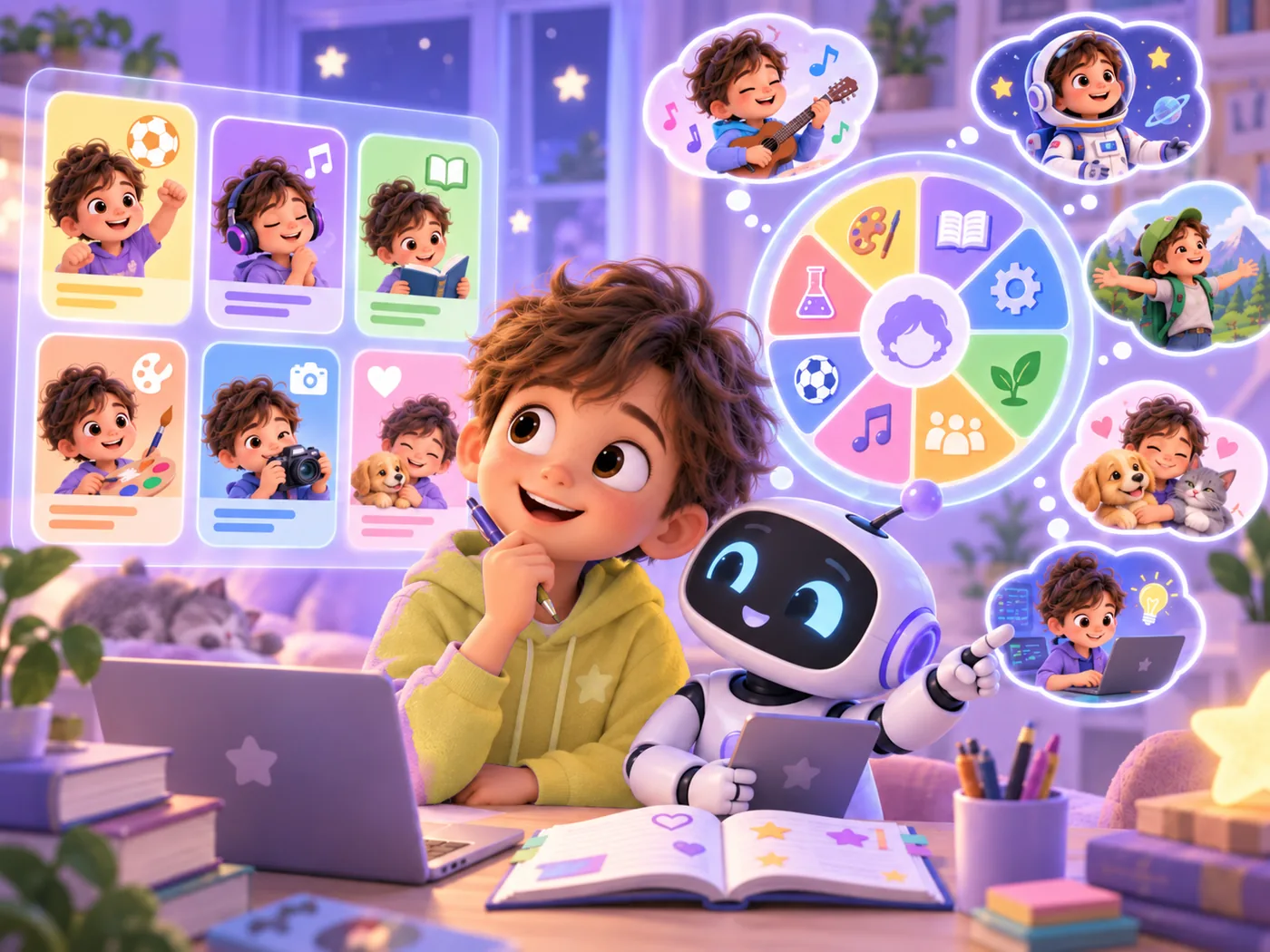
Choosing picture cards about everyday situations and favorite activities, students meet their personality character and interest character.
Explore jobs
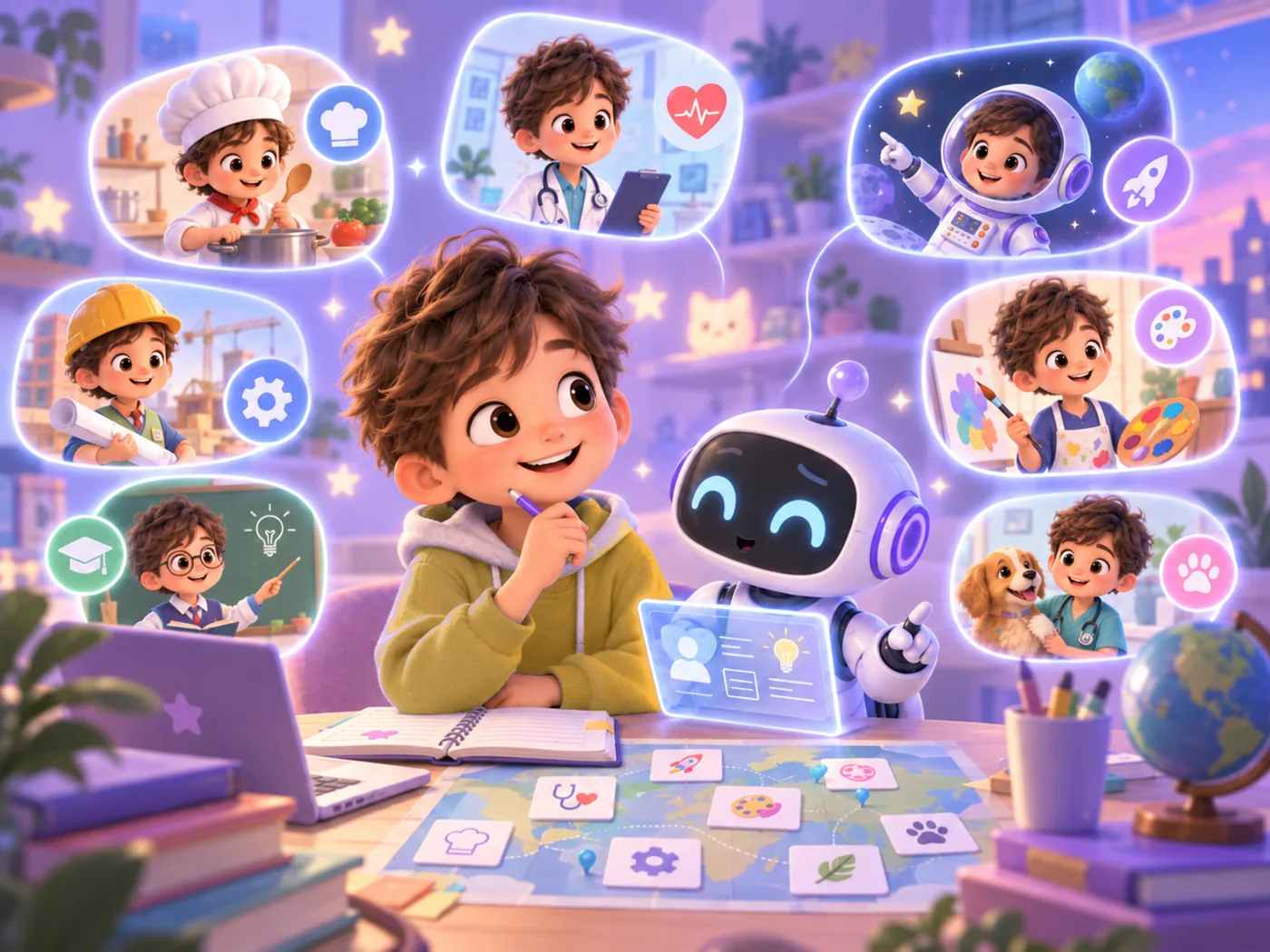
Students explore three jobs to look at together and talk with an AI professional in the job they are most curious about.
Make my Future Job Book
Everything chosen in class comes together into the student's own Future Job Book.
Getting to know yourself, like a game
Personality exploration draws on the four MBTI dimensions and interest exploration on the Holland career-interest types, turned into activities young learners can understand.
Discover my personality
Based on the four MBTI dimensions
- Everyday situations
- Choose what feels more like me
- Personality character
Discover my interests
Based on the Holland interest types
- Choose favorite activities
- See what I care about
- Interest character
The AI doesn't pick a job for the student; the student chooses the job they are curious about.
Results use easy character names instead of type codes
- Together type
- Maker friend
The program does not replace an official personality test or a career aptitude assessment.
The eight sessions
See the real screens
The screens students see during the lessons, and examples of finished work. The results are examples made for demonstration; the screens follow the site language.
Lesson screen
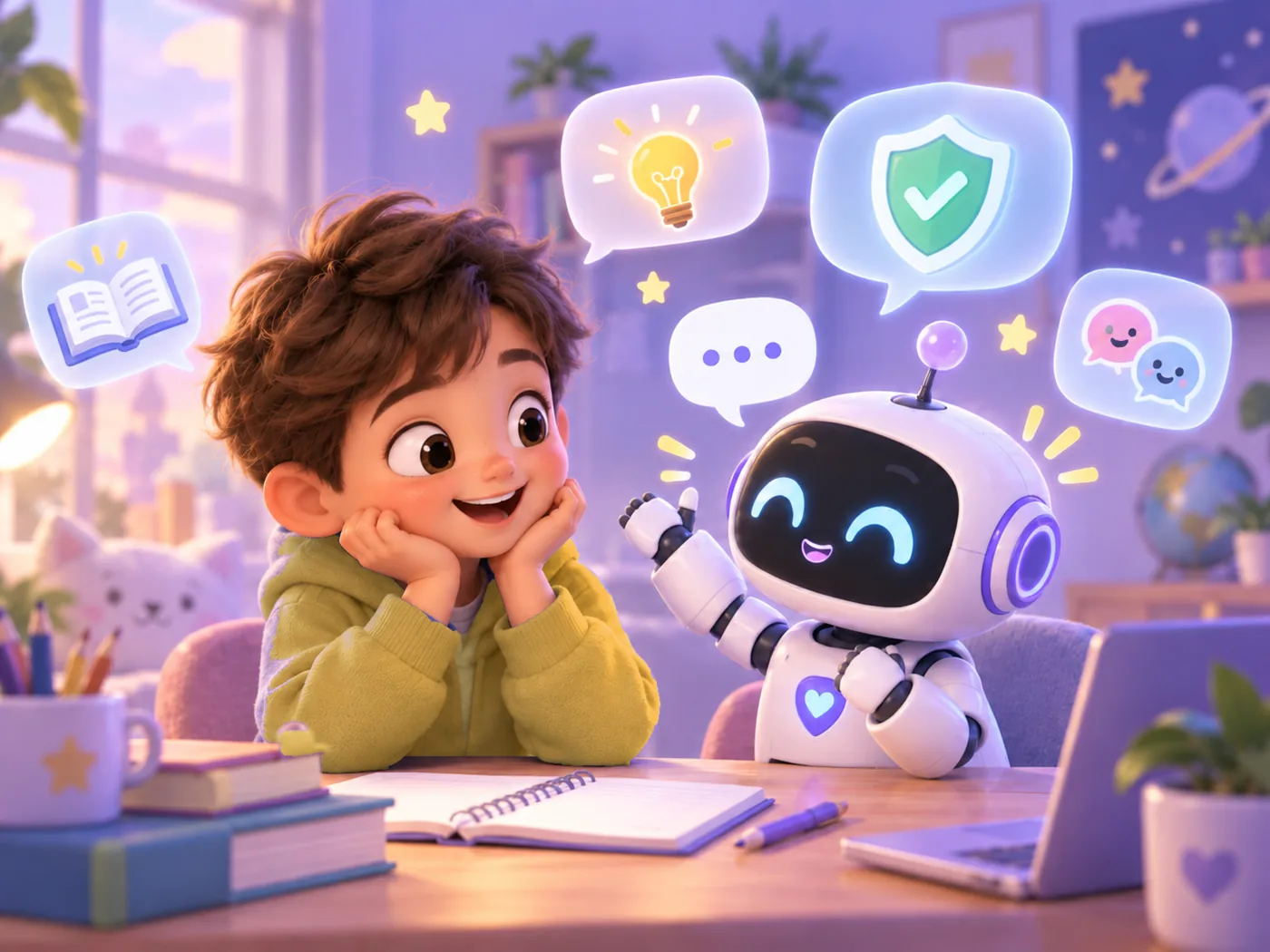
Sessions 1–2 · Safety promise: don't share personal information Sessions 3–6 · Choosing the picture that is more like me Sessions 7–8 · Three suggested jobs to explore Sessions 7–8 · Asking the AI professional questions
Example result
My Future Job Book My personality character A coloring page for the chosen job
Pictures and voice guidance keep reading to a minimum
Young learners can take part with very little reading or typing.
Choose with picturesMost activities use large picture cards and buttons.
- 01
Guided by voice
Students can follow along by listening to the main instructions.
- 02
Little typing
Most activities are choice-based, and the AI professional chat offers suggested questions.
- 03
No competition
The focus is on each student's choices and interests, not scores or rankings.
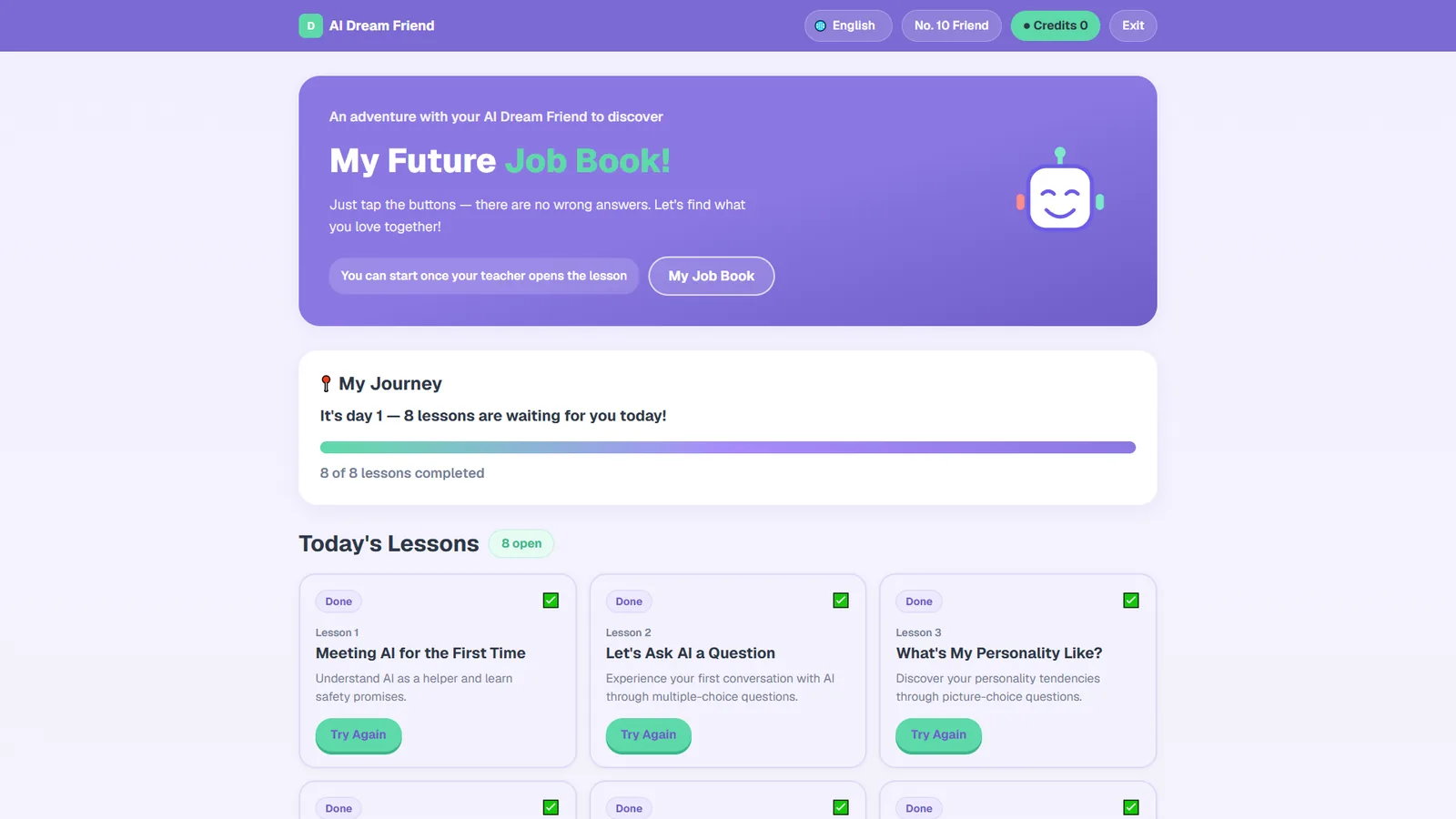
The activities add up to My Future Job Book
The personality and interests chosen in class, the jobs explored together, and the job the student picked come together, one by one, into their own Future Job Book.
What students take away
The activities from sessions 1 to 8 come together into one Future Job Book per student.
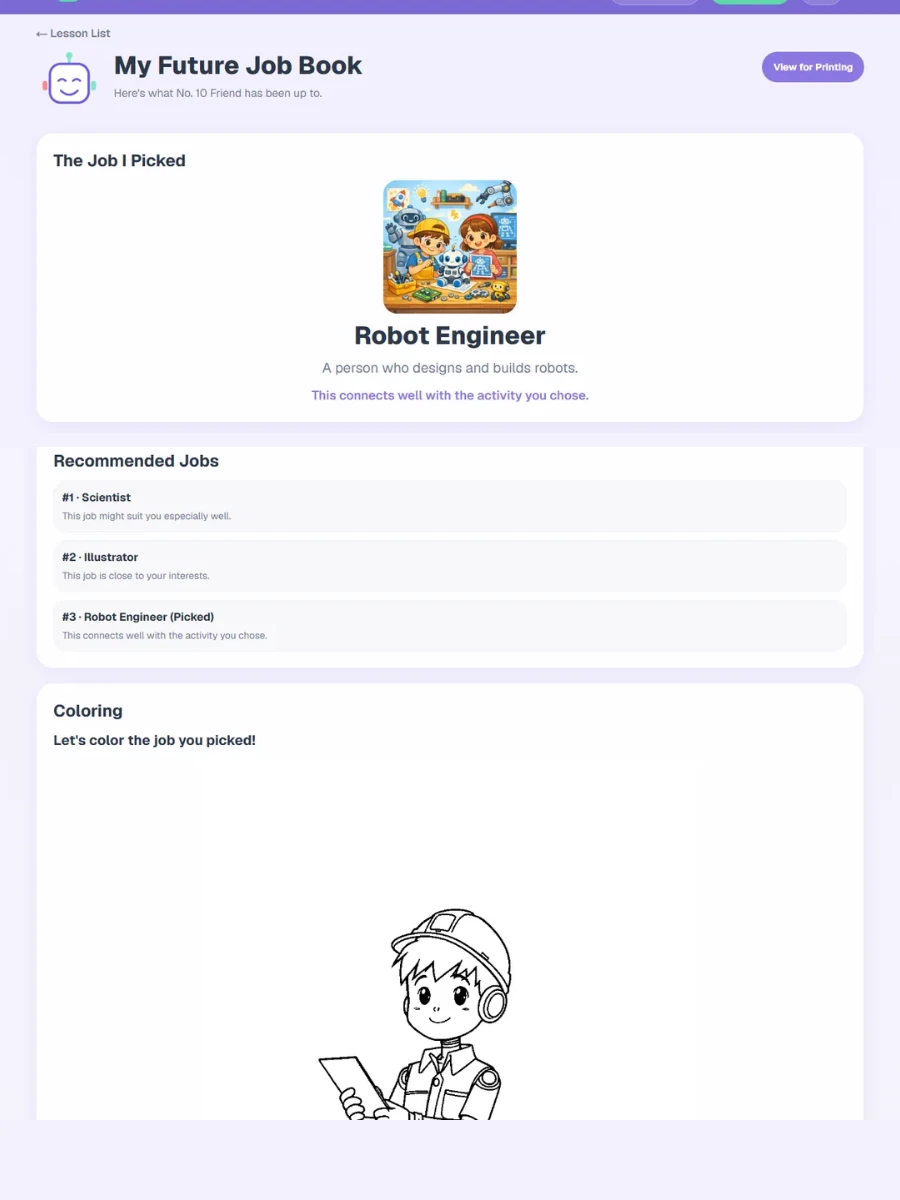
How it's used
- It can be viewed on the student's screen and the teacher's screen.
- It can be printed as a class result.
- Families can look through it together at home and talk about the activities and jobs the child was drawn to.
Running the class, and AI
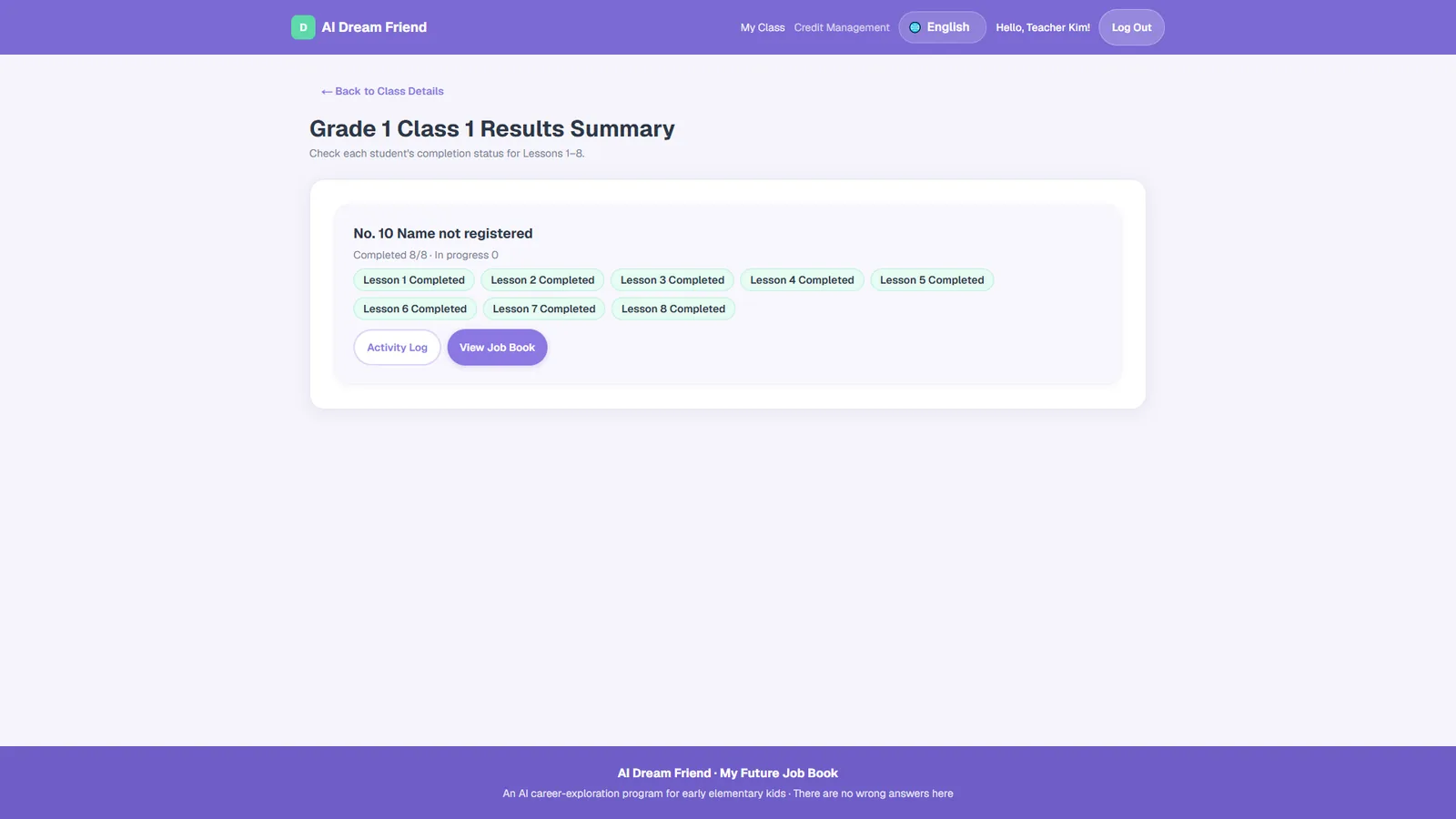
Teachers see the whole class flow at a glance
- Create a class
- Register students
- Open today's session
- Follow student progress
- Check results and job books
- Each student's progress
- Tendency activity results
- AI professional conversation logs
- Future Job Books
Students join in a few simple steps
Students join by entering the 4-digit class code or scanning the QR code, then choosing their own name.
01Join with the 4-digit code or QR code
02Take part in the session
Safe AI habits from the very first meeting
Safety promises students learn
- Don't share personal information
- Tell the teacher about anything strange
- Don't believe everything the AI says
Built-in safeguard
Anything inappropriate that a student types is checked so the program stays safe to use.
Program details
- For
- Lower elementary students
- Format
- 8 sessions
- Session length
- 20–25 minutes per session
- Devices
- PC / tablet
- Environment
- Runs in a web browser
- Student access
- 4-digit class code or QR code
- Interaction
- Mainly picture cards and buttons
- Languages
- Korean / English / Chinese / Japanese / Spanish
- Output
- My Future Job Book
- Address
- dreamfriendai.frienderai.com
The full program structure and operating details are in the catalog.
View catalogFrequently asked questions
Can students who can't read well yet take part?
Yes. Most activities use large picture cards and button choices, and the main instructions can be heard as audio.
Is this an MBTI test?
It does not replace an official personality or psychological test. It is an educational activity that draws on the four MBTI dimensions so young learners can explore their tendencies like a game, and the personality result screen shows an MBTI type together with a personality character.
Do the suggested jobs mean the child's aptitude?
No. Based on the personality and interest activities, the program suggests jobs to look at together. It does not diagnose aptitude or assign a particular job.
Do students have to type a lot?
No. Most activities use pictures and choices, and the AI professional chat offers suggested questions.
What does the AI professional do?
Students talk with an AI professional in the job they chose as most interesting to learn more about what the job involves and ask what they are curious about.
What do students have after the program?
A completed "My Future Job Book" with their personality character, interest character, the jobs explored together, the chosen job and its picture, and a coloring page.
Can teachers see student activity?
Yes. Teachers can see each student's progress, tendency results, AI professional conversation logs, and the finished job book on the teacher screen.
Browse the projects
Bring DreamFriend AI to your classroom.
Meet AI safely, get to know your personality and interests, explore several jobs, talk with an AI professional in the job you're most curious about, and complete your own Future Job Book. We'll suggest a setup that fits your school or organization.