
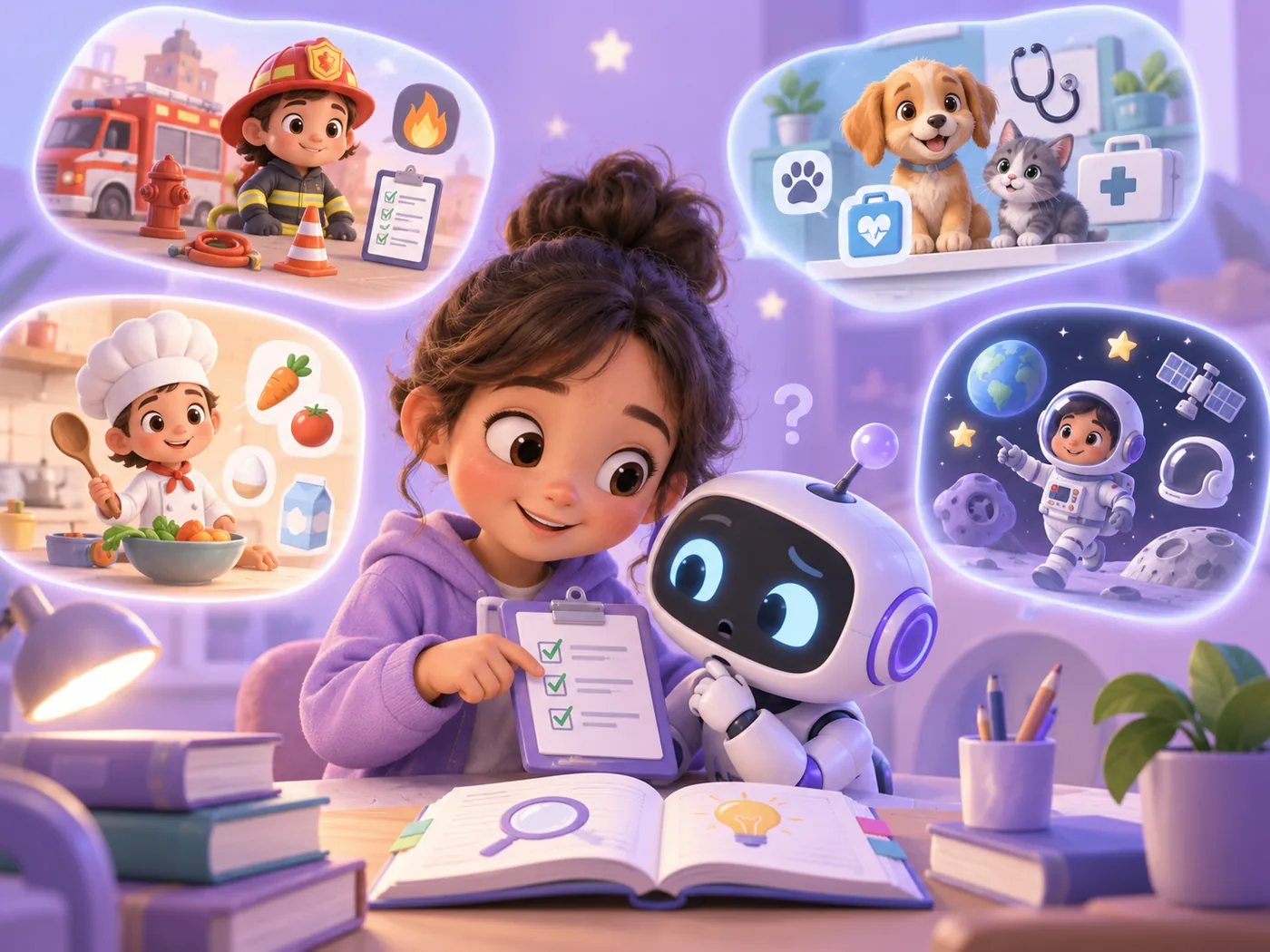
AI Job Trainer
Be the rookie AI's mentor: find what it missed and help it decide better.
A job-mission AI education program in which students become a rookie AI's mentor, find the information it missed, and help it make better calls.
Lower elementary students · 4 sessions · 20–25 minutes per session
Instead of asking the AI for answers, students look again at how the AI decided.
Students solve job missions alongside a rookie AI working as a firefighter, veterinarian, chef, or astronaut: they inspect the scene, find clues, and tell the AI what it missed.
Look at the scene first
Students check the information at the scene themselves: people and hazards, an animal's condition, ingredients and equipment.
Check the AI's call
On the thinking board, students see what the rookie AI has already checked and what it is still missing.
Find what was missed and fill it in
When students pass on the clues they found, the AI takes the missed information into account and decides again.
Learning principles repeated across all four jobs
A rookie AI may judge from the first thing it sees or assume the fastest way is the best way. Students become its mentor: they find the information that matters and tell the AI what it missed.
Check first
Don't decide from a single visible piece of information.
See the whole picture
Connect several clues and think about them together.
Find the safe way
Look for the method that fits the situation, not just the fastest one.
Decide again
When new information appears, look at the first plan again.
Instead of following the AI's answer, the student checks the situation themselves.
Helping a rookie AI in four jobs
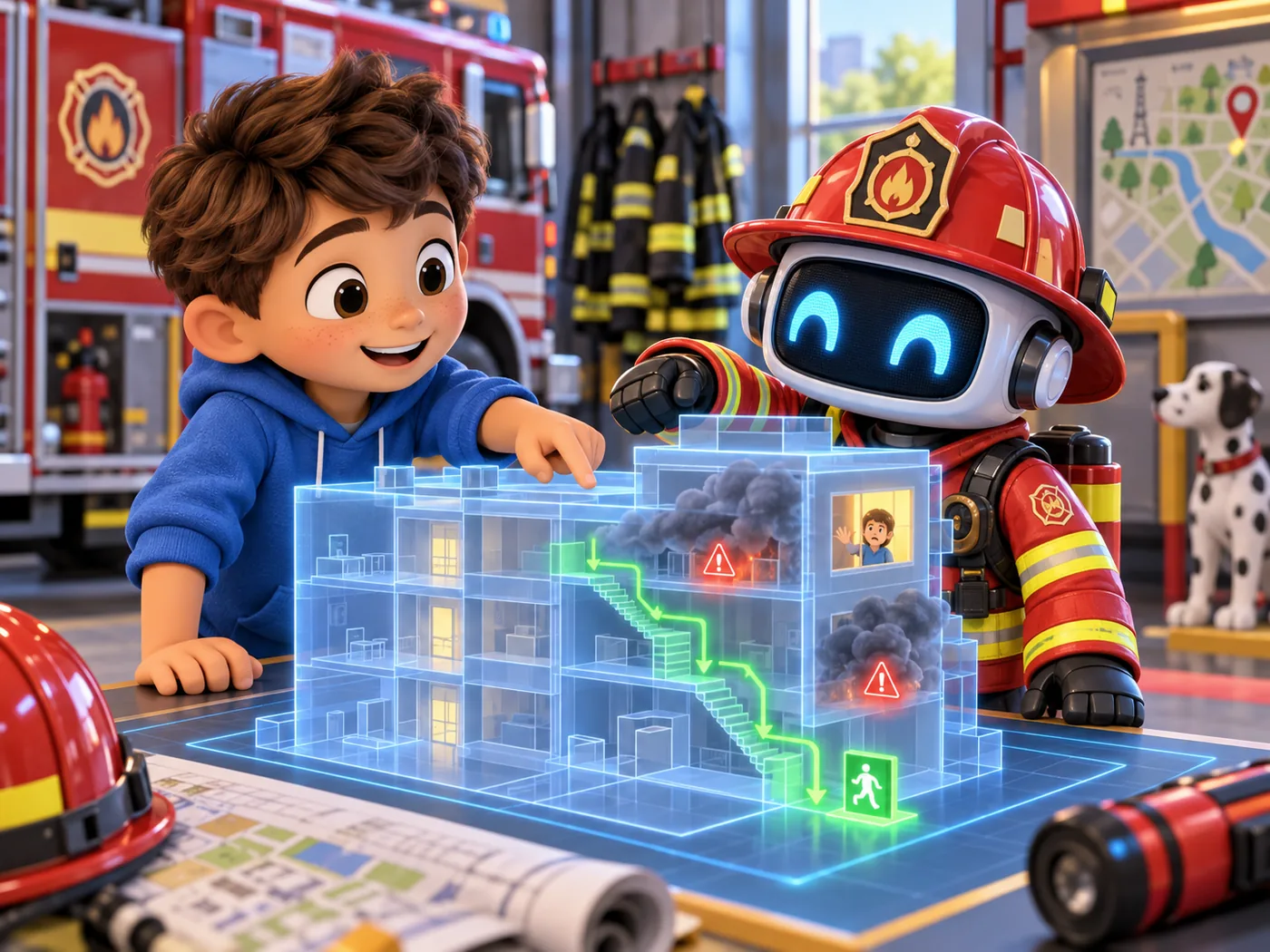
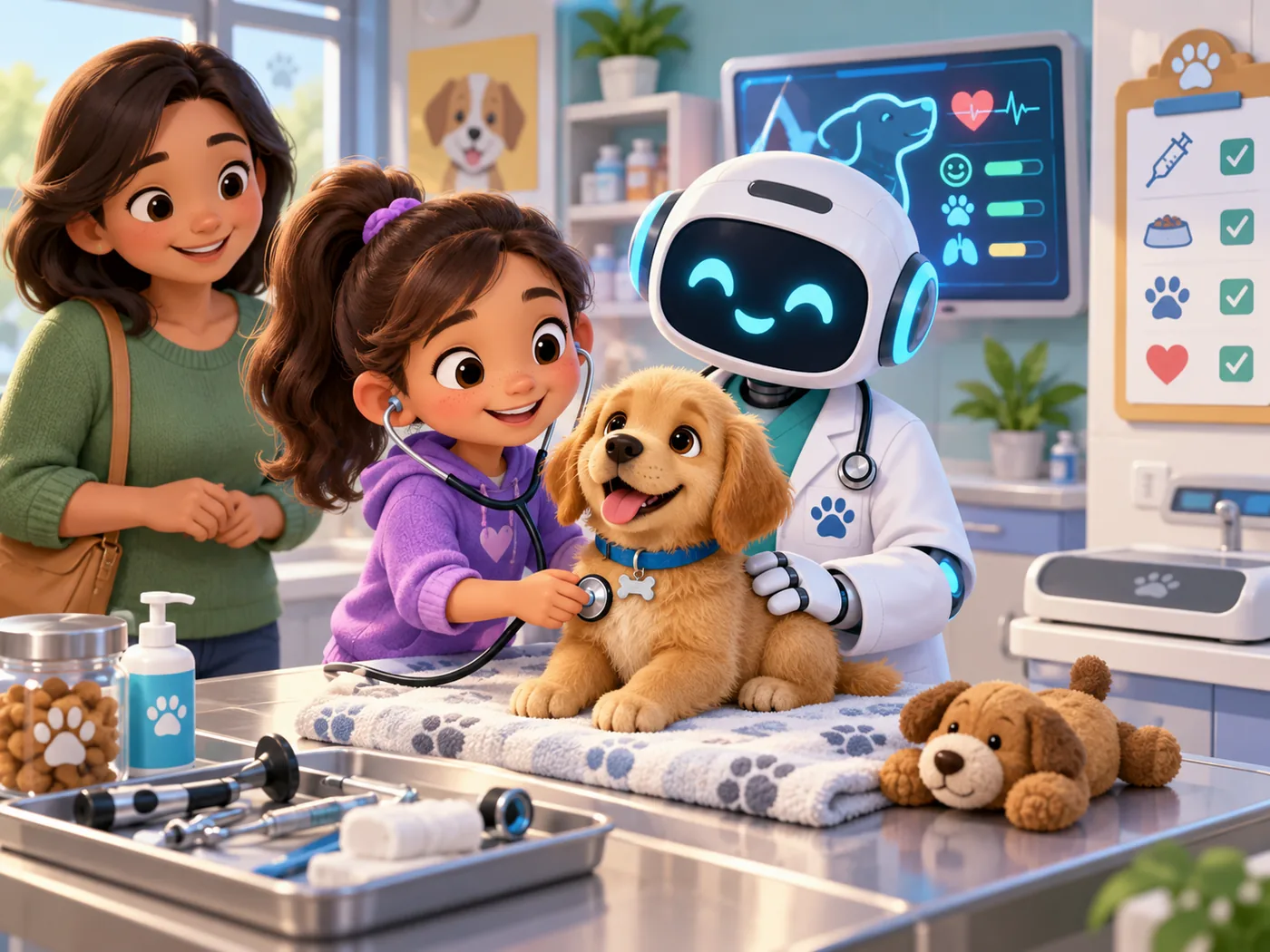
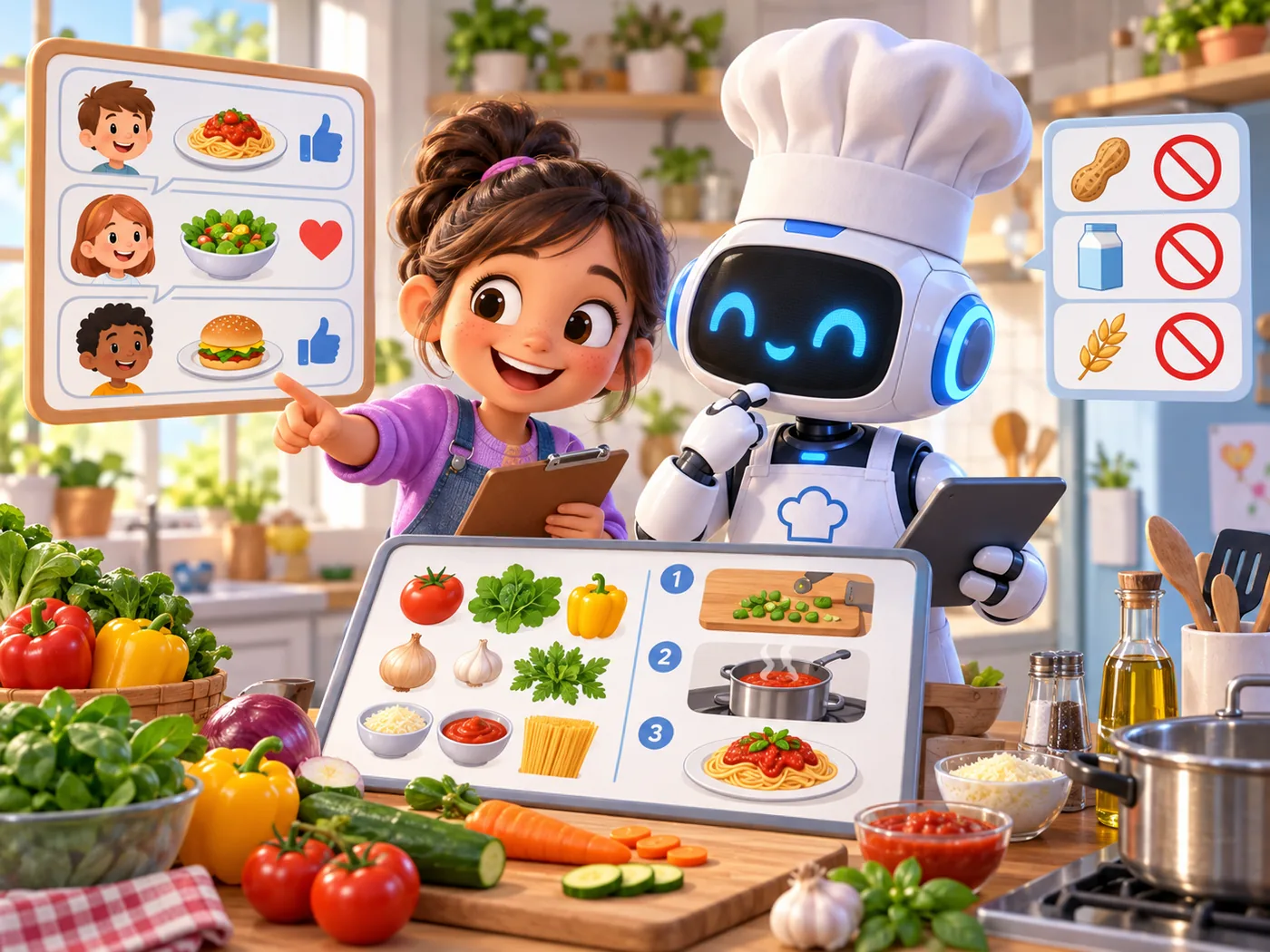
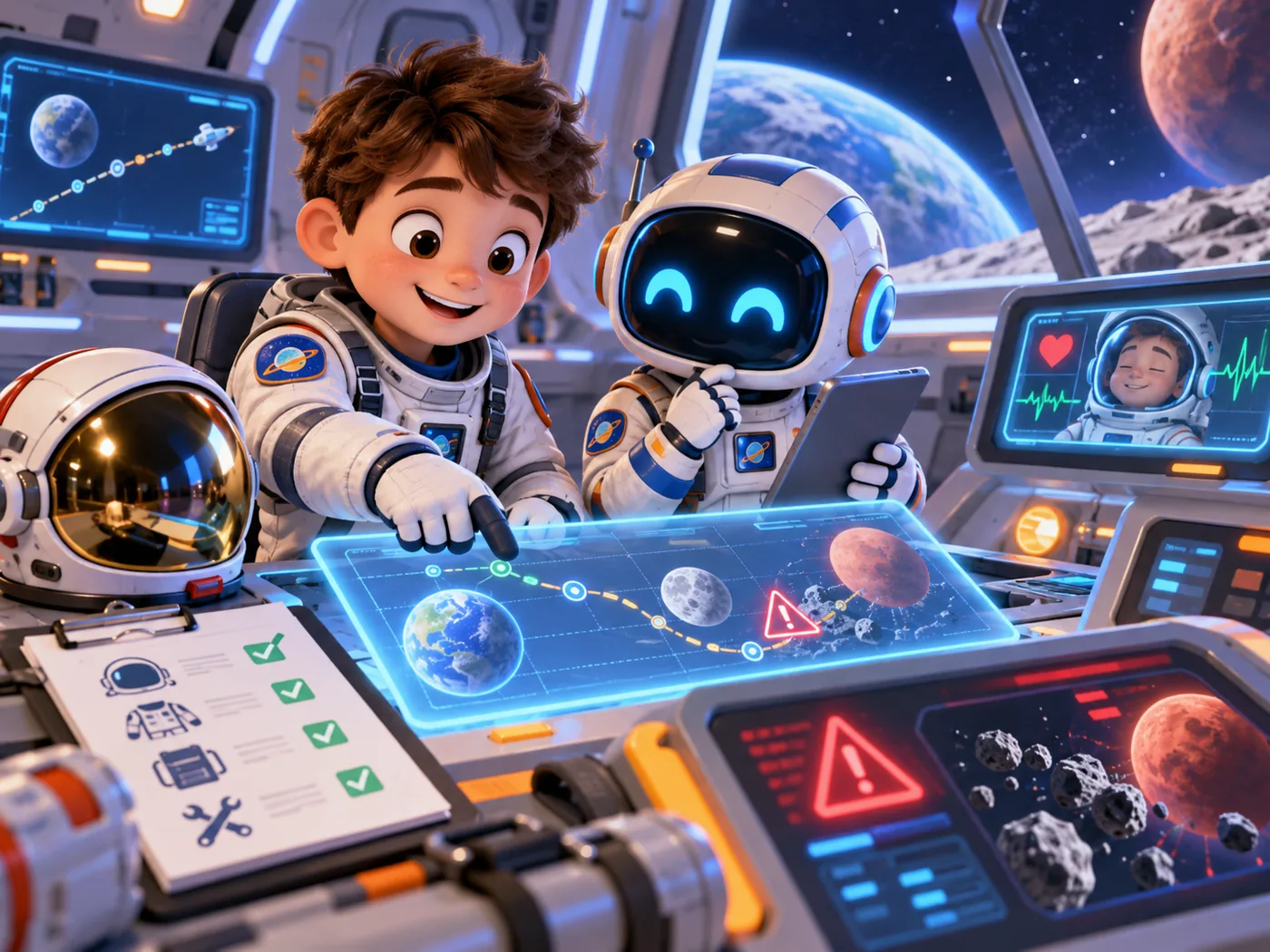
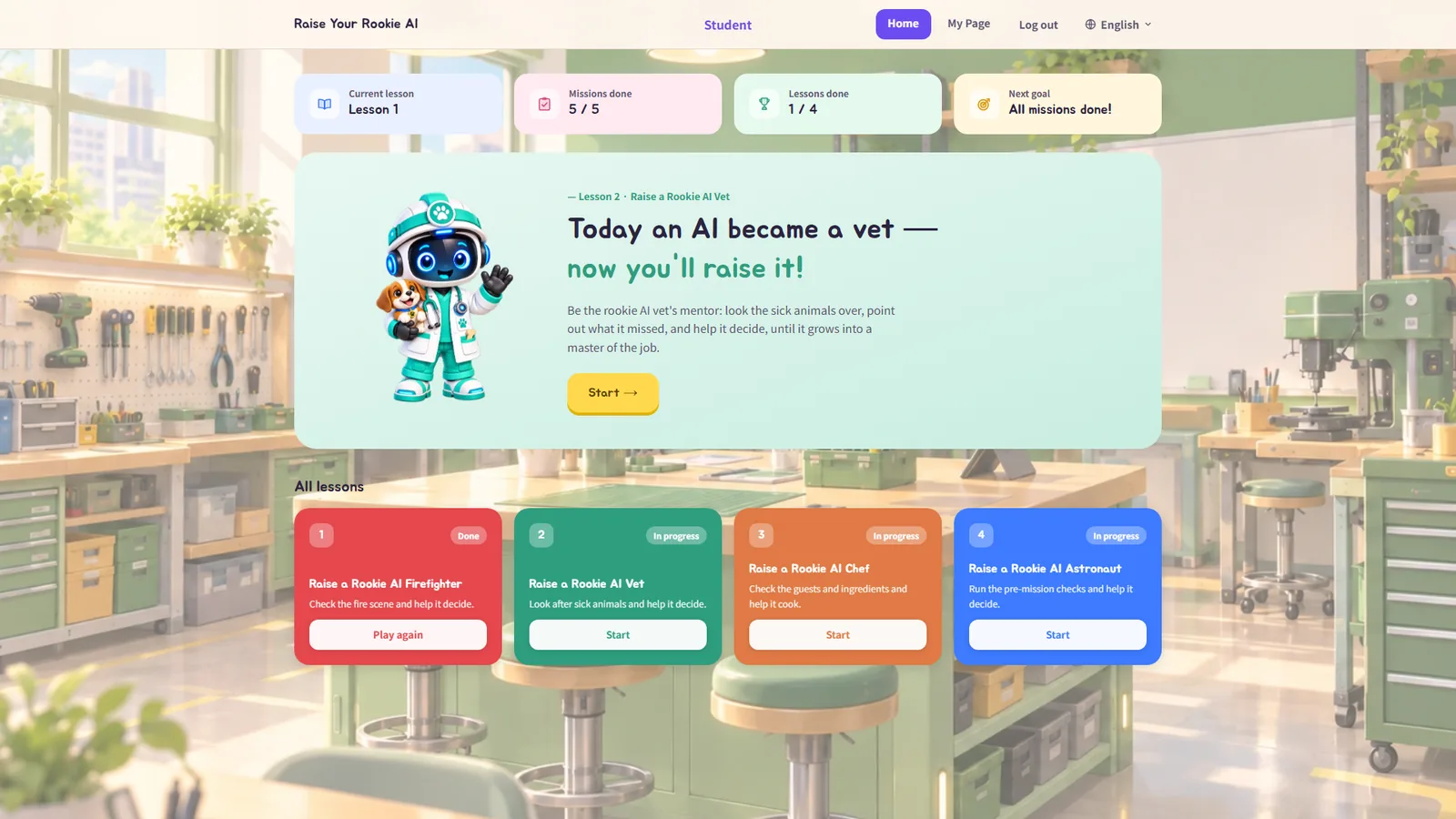
See the real screens
The screens students see during the lessons, and examples of finished work. The results are examples made for demonstration; the screens follow the site language.
Lesson screen
Session 1 · The rookie AI firefighter's first judgment Session 2 · The rookie AI veterinarian's first judgment Session 3 · The rookie AI chef's first judgment Session 4 · The rookie AI astronaut's first judgment
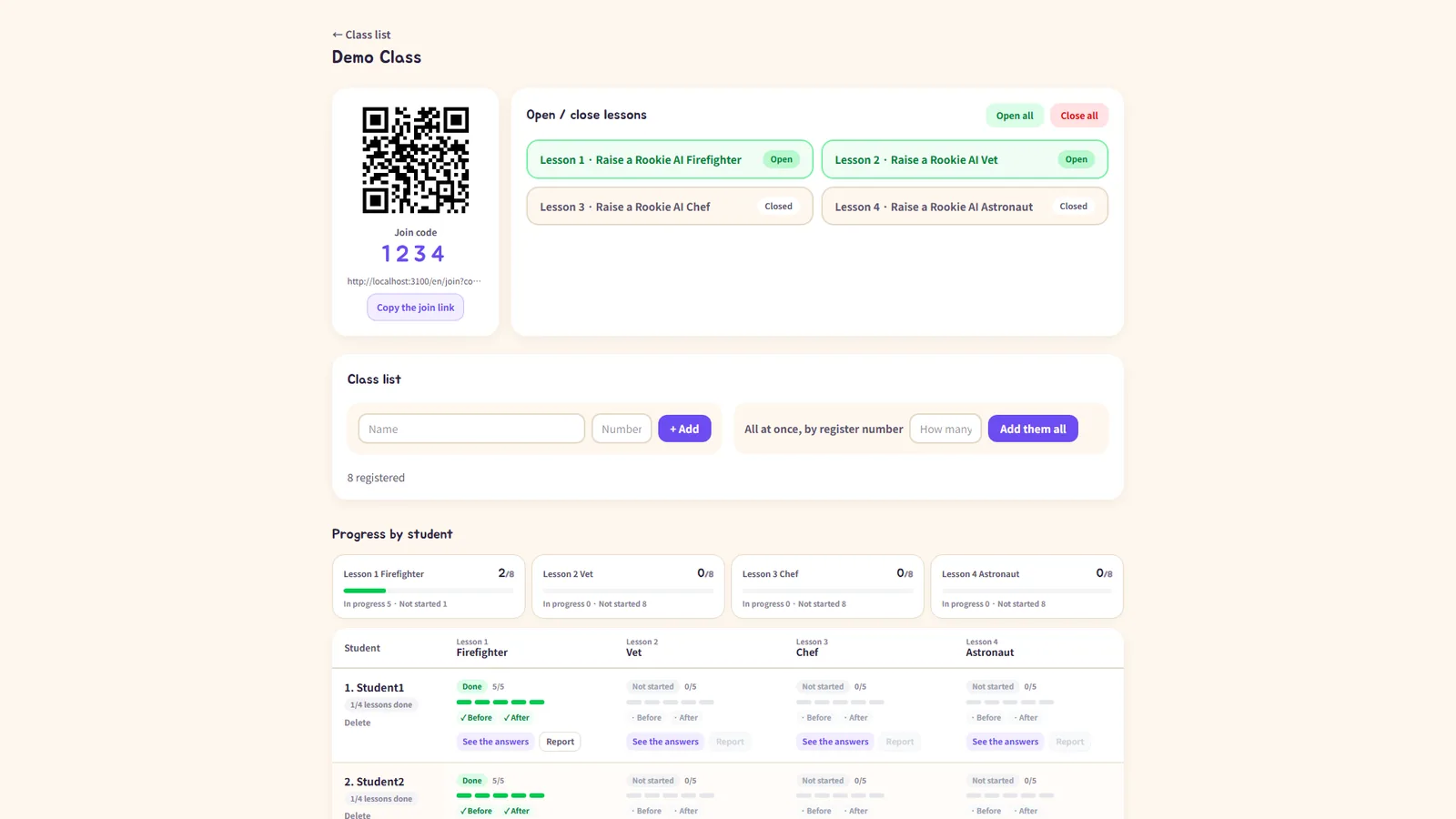
Example result
Level up to apprentice AI The first AI and the AI now, compared Final mission complete: job master AI
Touch and drag instead of typing
Young students who aren't used to typing can take part by touching the screen and dragging clues, and a wrong choice doesn't end the activity: they can look again and choose again.
Touch the screen and drag the cluesEverything is click, touch, and drag; there is no free typing.
- 01
Look again and choose again
A wrong choice doesn't end the activity: students can look again and choose again.
- 02
Plain words
Plain words are used instead of technical terms.
The activity becomes each student's own result
Before and after class, students answer a few multiple-choice questions about AI and the situation. During the mission, the information they actually checked, the clues they passed on, and the decisions they revised are recorded, and together with those choices they produce a different result for every student.
What students take away
Students grow the rookie AI into a job master AI, review what went well and what they learned, and close the experience with their own AI mentor type.
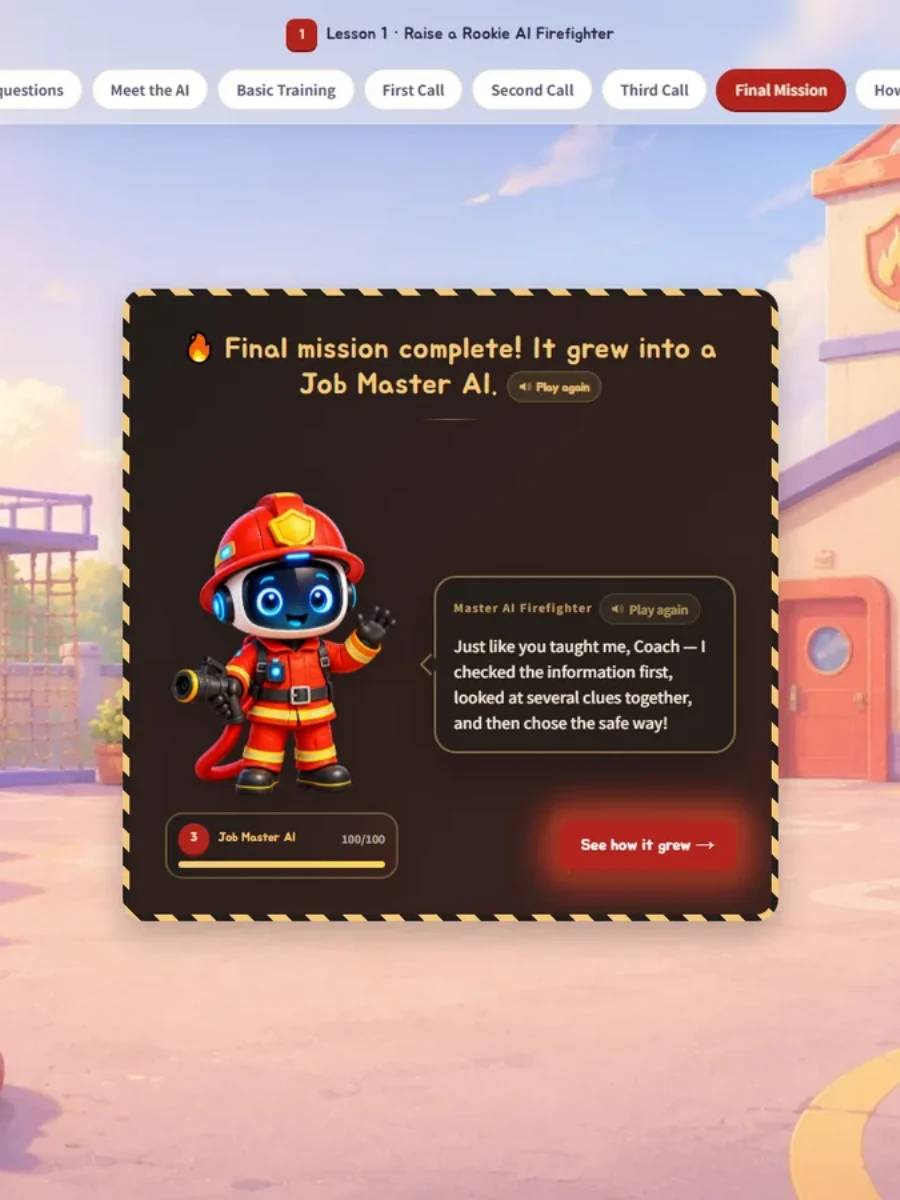
Running the class, and AI
Teachers run the class from one place
- Create a class
- Share the join code and QR
- Manage the class list
- Open and close sessions
- Check progress and surveys
- View or print result sheets
- Each student's mission progress
- Pre- and post-class survey answers
- Personal result sheets
Check what the AI looked at before it decided
Reading the thinking board
- Student
Sees what the rookie AI has already checked and what it is still missing.
- AI
- where people are
- nearest entrance
- where the smoke is
- other routes
- Final call
The student works out what still needs checking.
- Student
Passing on a clue
- Student
Passes the clues found at the scene straight to the thinking board.
- AI
Takes the missed information into account and decides again.
- Final call
The student decides which clues to pass on.
- Student
The rookie AI grows as missions are solved
- Rookie AI
- Apprentice AI
- Skilled AI
- Job master AI
EXP shows the AI character growing; it is not a student score.
Students join in a few simple steps
Students enter the 4-digit code or scan the QR, choose their name, and start right away in a web browser with nothing to install.
01Join with the 4-digit code or QR code
02Take part in the session
Students check the AI's call instead of taking it on trust
- Look at the situation first
- Find what the AI missed and tell it
- Decide again when new information appears
- The final check is the student's
Program details
- For
- Lower elementary students
- Format
- 4 sessions
- Session length
- 20–25 minutes per session
- Devices
- PC / tablet (landscape recommended on tablets)
- Environment
- Runs in a web browser
- Student access
- 4-digit class code or QR code
- Interaction
- Click / touch / drag, no free typing
- Languages
- Korean / English / Chinese / Japanese / Spanish
- Output
- Growing a job master AI / my AI mentor type / personal result sheet
- Address
- jobtrainerai.frienderai.com
The full program structure and operating details are in the catalog.
View catalogFrequently asked questions
Do students have to do all four jobs?
No. Each session is a self-contained lesson that starts with a new rookie AI, so you can run the full course or pick only the jobs you want.
Can lower-grade students take part?
Yes. There is no free text entry; everything is click, touch, and drag, and plain words are used instead of technical terms.
Is EXP the student's score?
No. EXP is not a score for accuracy or ranking; it is a game-style effect that shows the rookie AI growing into a job master. What students teach is the AI character inside the program, not a real AI model.
Does the AI give students the answers?
No. The rookie AI misses important information or decides too quickly, and students find the information themselves and improve its judgment.
Do students compete?
No. Rankings and class averages are never shown, and results are not compared between students.
What do students have after class?
Students grow the rookie AI into a job master AI, review what went well and what they learned along with how professionals judge and use AI, and close the experience with their own AI mentor type. After class, the teacher can view or print each student's result sheet.
How does the AI grow?
As the student passes on clues found at the scene and the AI corrects its judgment, it grows from a rookie AI through the apprentice and skilled stages into a job master AI. Every student who finishes the mission reaches the job master stage, whatever the number of correct answers or attempts, and students are not ranked or compared by score.
Browse the projects
Bring AI Job Trainer to your classroom.
Rather than following the AI's answer, students practice checking what information the AI used and supplying what it missed. We'll suggest a setup that fits your school or organization.